
Household chores
Tap Chores along the bottom of the screen to see active responsibilities. Each chore shows who it is assigned to (Shared, Host, or Guest) and its target due date.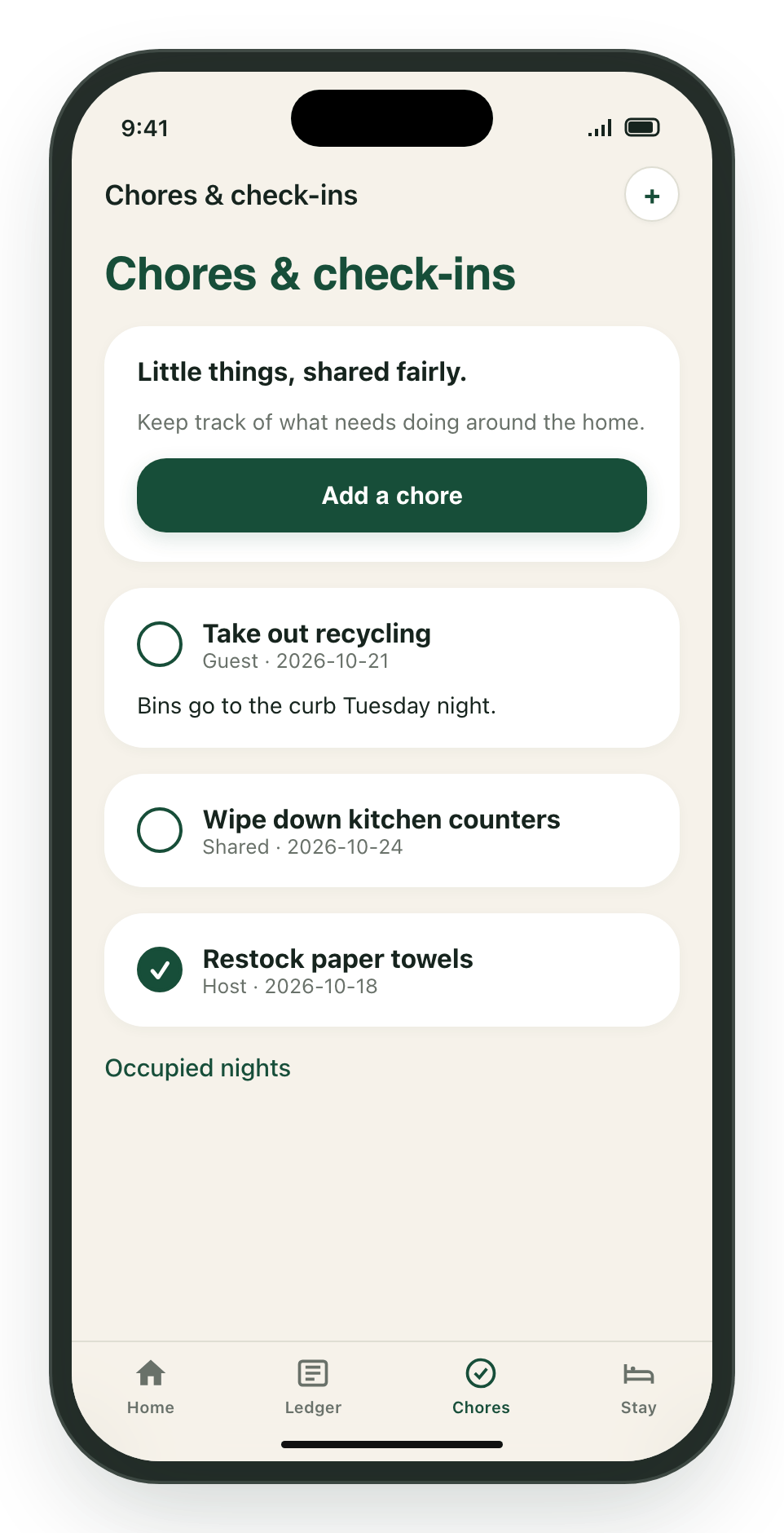
- Mark a chore done: Tap the circle next to the task name. Tap again to mark it incomplete if needed.
- Add a chore: Tap Add a chore (or the + button at the top right). Enter a title, optional details, assign it (Shared, Host, or Guest), pick a due date, and tap Add.
- Occupied nights: Tap the Occupied nights link at the bottom of the screen to view dates where household nights have been logged.
Stay guidelines and house notes
The Stay tab gathers everything you need to know about the home and the people sharing it.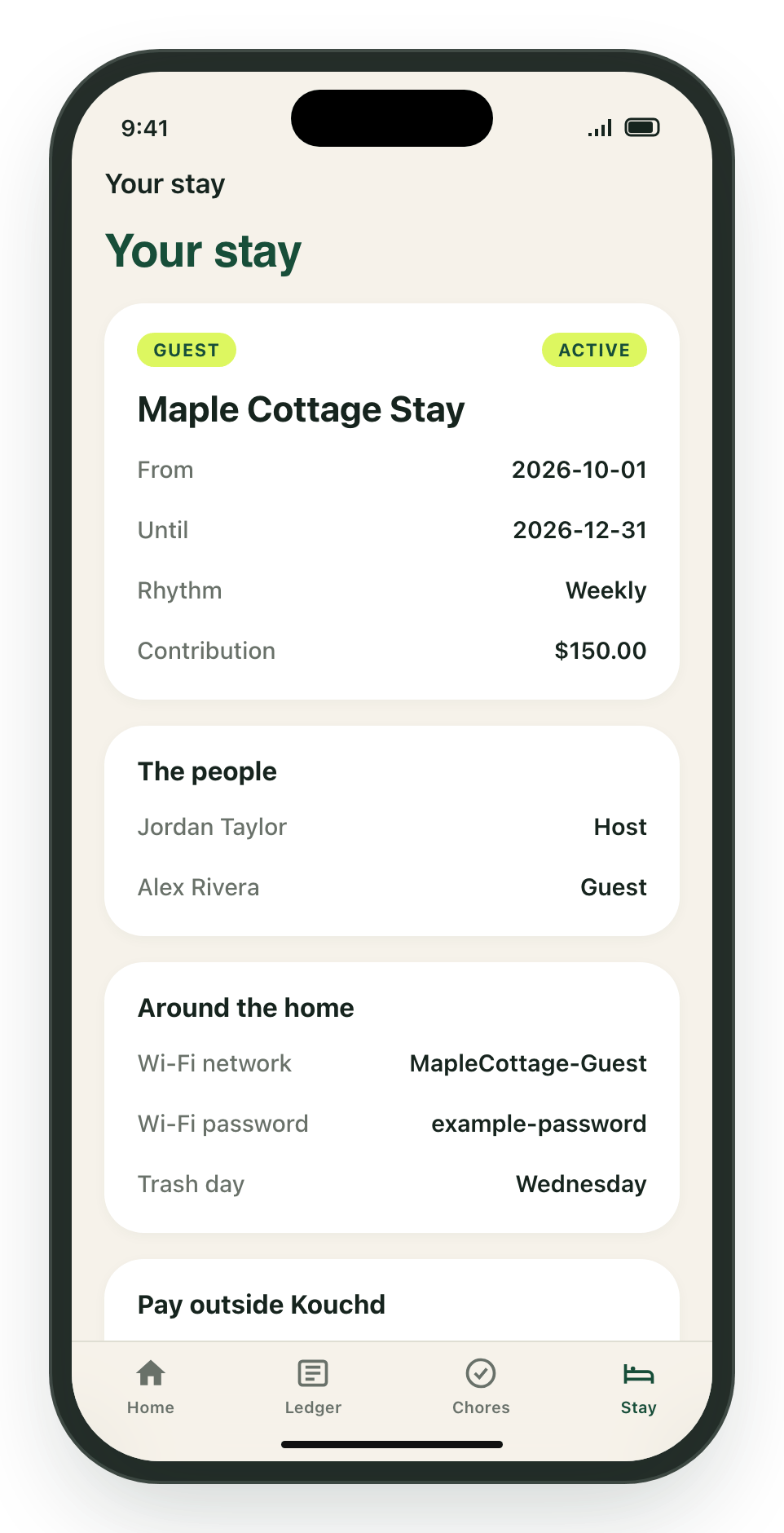
- Stay details: Scheduled dates, the contribution rhythm (daily or weekly), and agreed rates.
- Household members: Everyone currently in the stay and their assigned roles.
- Around the home: Wi-Fi network and password, front door codes, parking directions, and trash collection days.
- Pay outside Kouchd: Direct payment handles provided by the host (such as PayPal, Cash App, Apple Pay, or Zelle). Pay using one of these options, then record the entry in the Ledger tab. Contribution records do not prove that money moved.
- More for your stay: Quick links to review your guest agreement, request schedule changes, check Kouchd Coins rewards, and view household activity.
Host stay controls
Hosts can tap the ⋯ menu button at the top right of the Stay tab to Invite guest or Edit stay name. Hosts can also open Host controls at the bottom of the tab to adjust stay settings or view household invite codes.Related guides
Getting started on iPhone
App navigation, 4 tabs, and reminder preferences.
Ledger & contributions on iPhone
Logging payments, confirming records, and balance management.